BeOnd School logo

Course Catalog

Explore All Courses

Find the perfect online class for your child's age and interests.

Showing 13–24 of 64

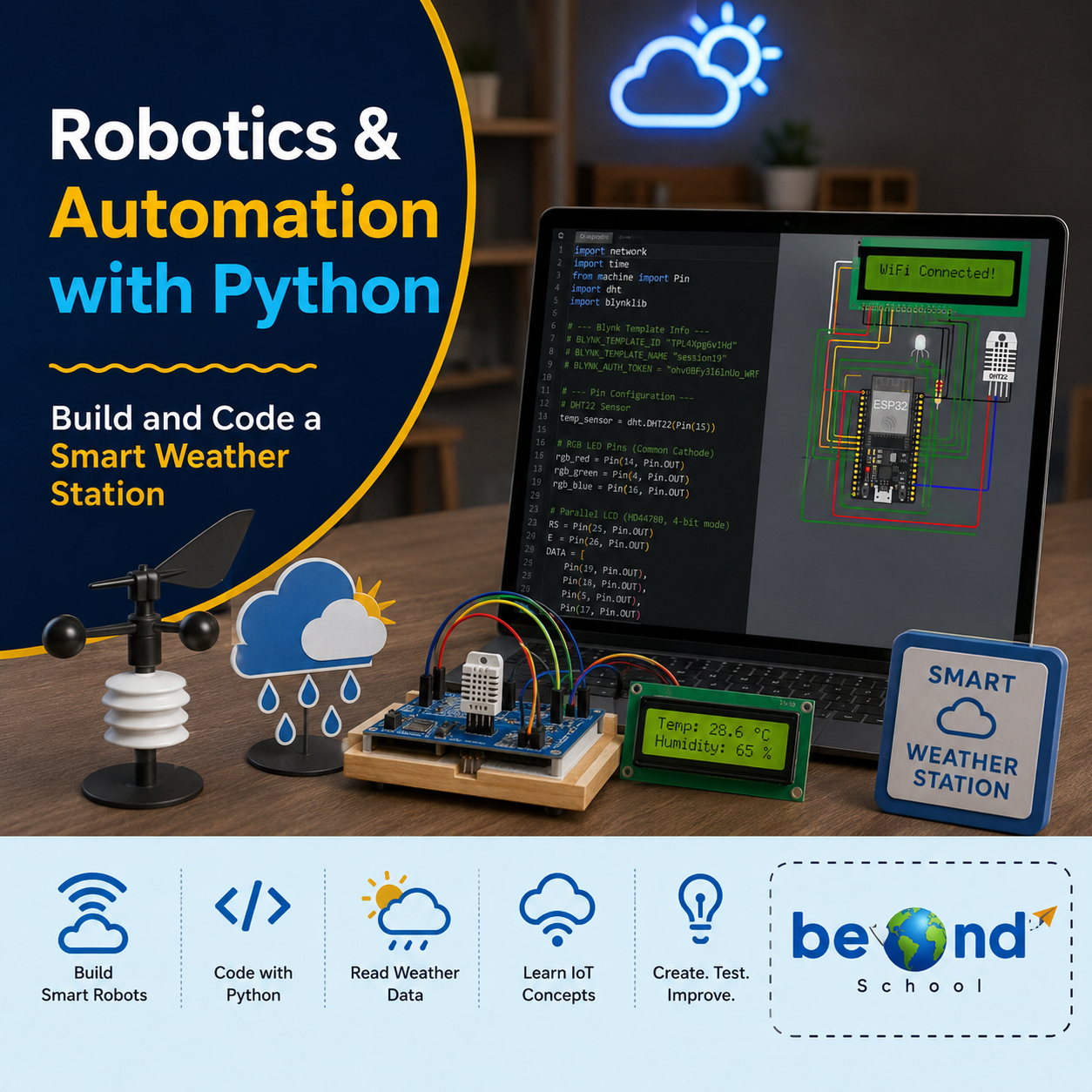
Robotics & Automation With Python
Live Class Coding AI & Robotics Robotics

Robotics & Automation With Python

Robotics & Automation with Python introduces Students how Python can bring electronic projects to life using the Wokwi ESP32 simulator. They start with simple LED and circuit controls and gradually build smart projects using sensors, motors, displays, and automated decision-making. Through projects such as a Smart Traffic Light, Hand Sanitizer Dispenser, Digital Weather Station, Security Alarm, and Smart Parking System, students learn to turn their ideas into working prototypes while developing coding, problem-solving, logical thinking, and engineering skills.Class 1: Smart Traffic Light Program multiple LEDs with Python to create an automated traffic-light sequence using GPIO, timing, and loops.Class 2: Light & Volume ControllerUse a potentiometer to adjust LED brightness and buzzer volume while learning how analog input controls output levels.Class 3: Smart Hand Sanitizer DispenserUse an ultrasonic sensor and servo motor to automatically dispense sanitizer when a hand is detected.Class 4: Motion-Sensing Smart RoomDetect movement with a PIR sensor and use Python logic to automatically control room lights and a smart door.Class 5: Digital Weather Station – Part 1Read temperature and humidity from a DHT22 sensor and process the sensor data using Python.Class 6: Digital Weather Station – Part 2Display temperature and humidity readings on an LCD using Python functions, conditions, and formatted output.Class 7: Smart Security AlarmBuild a motion-triggered security system using a PIR sensor, buzzer, and LEDs.Class 8: Automatic Night LightUse an LDR to detect light levels and automatically control an LED based on brightness.Class 9: Smart Parking SystemUse an ultrasonic sensor to detect vehicles and control a servo barrier with LED indicators.Class 10: Smart Home Control CenterCombine sensors, outputs, functions, and Python logic to create an integrated home automation system.Class 11: Gas Leak DetectorMonitor gas sensor readings and trigger LED and buzzer alerts when the gas level exceeds a set threshold.Class 12: Smart Robotics ChallengeCombine sensors, actuators, conditions, loops, and functions to design and simulate an original smart automation system in Wokwi.

Computer & Digital Literacy Course - Level 1
Live Class Academics Computer Science

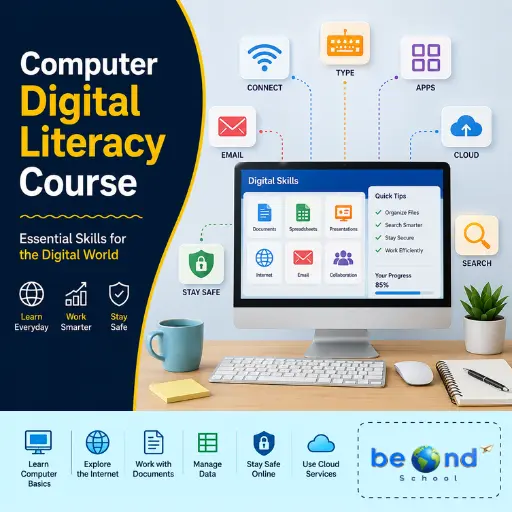
Computer & Digital Literacy Course - Level 1

Computer & Digital Literacy course - Level 1 helps students build a strong foundation in how computers work, how information is stored and processed, how to manage digital files, search for reliable information, protect themselves online, and understand their digital footprint. The level begins with an engaging binary and logic challenge and gradually develops practical computer and digital citizenship skills through hands-on activities and a final Digital Citizenship Audit. Level 1: Computer Systems & Digital CitizenshipTrial Class: Crack the CodeDecode binary messages, create a binary name badge, design a yes/no algorithm with a flowchart, and turn it into a working Python program using if, else, and print().Class 1: How a Computer Processes a TaskLearn how computers process information through the Input–Process–Output–Storage cycle and practice troubleshooting common problems.Class 2: File Systems, Cloud Storage & Version ControlLearn to organize files using naming conventions while understanding the difference between local storage, cloud synchronization, and version control.Class 3: Advanced Keyboarding & Workflow EfficiencyImprove typing speed and accuracy while learning keyboard shortcuts and window-management techniques for faster computer workflows.Class 4: Advanced Search & Source EvaluationLearn to use Boolean search operators and evaluate online sources for credibility, bias, and currency.Class 5: Cybersecurity FundamentalsLearn how to recognize phishing attempts and create a personal password-safety plan using strong passwords, 2FA, and password-management strategies.Class 6: Digital Footprint + Unit Wrap-UpExplore how online activity can affect digital reputation and demonstrate learning through a Digital Citizenship Audit and quiz.

Minecraft Redstone Mania: Lights, Doors & Fireworks!
Live Class Minecraft Game Design

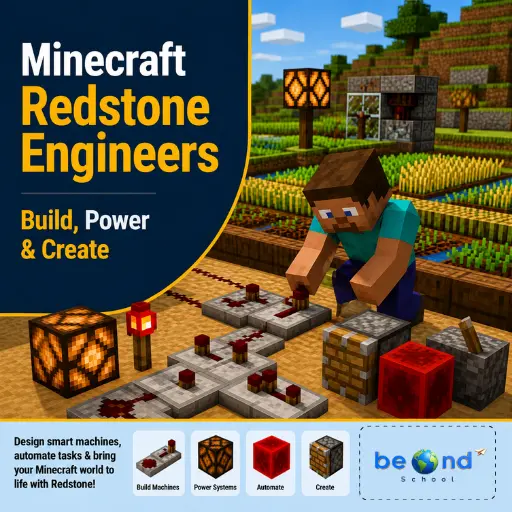
Minecraft Redstone Mania: Lights, Doors & Fireworks!

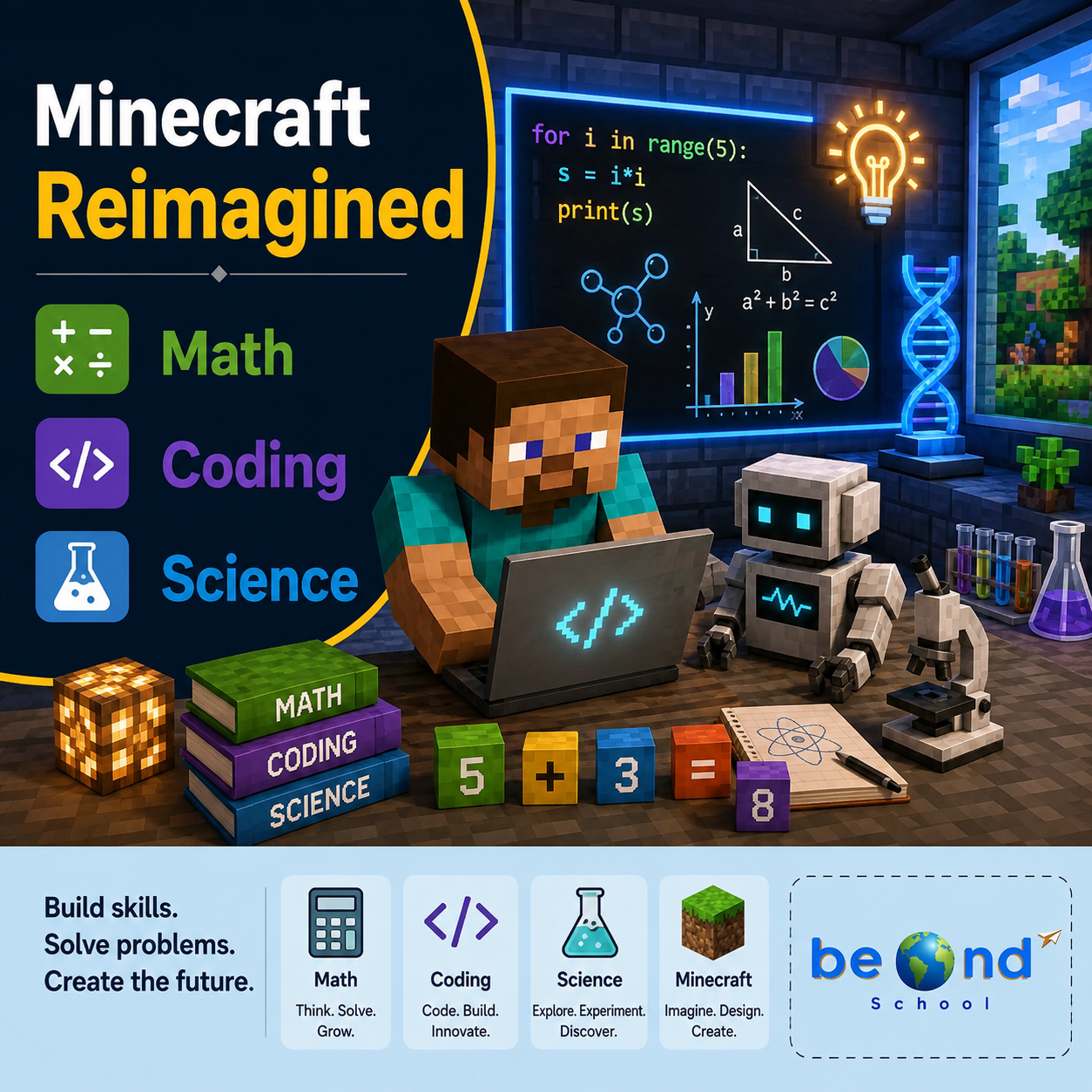
Minecraft Redstone Mania takes students on an exciting journey into the world of circuits, machines, and automation. Through hands-on Minecraft projects, students explore how Redstone components interact to create lights, secret passages, transportation systems, and automated inventions. Each class encourages creativity, experimentation, and design thinking while helping learners develop engineering skills, logical reasoning, and confidence in building smart, interactive worlds. Class 1: Redstone Academy – Power Up!Discover the basics of Redstone by learning how signals travel and how switches can power circuits and devices.Class 2: Light Up the Night – Redstone LampsBuild interactive lighting systems using Redstone lamps, buttons, levers, and pressure plates.Class 3: Instant Armor StationCreate an automated armor station that equips players instantly using dispensers and Redstone activation.Class 4: Secret Agent HeadquartersDesign hidden entrances and secret doors using pistons, switches, and clever Redstone mechanisms.Class 5: Auto Farm EngineersBuild automated farming systems that use Redstone to plant, harvest, and manage resources efficiently.Class 6: Minecart ExpressEngineer an exciting transportation system using powered rails and detector rails to control minecart movement.Class 7: Rainbow Lights & Billboard BuildersCreate dazzling displays and interactive attractions using beacons, colorful lights, and Redstone-powered effects.Class 8: Fireworks Festival EngineersBring together your Redstone skills to build an automated fireworks show with synchronized launches and special effects. 

AI & Scratch Fun Camp: Imagine, Code & Create
Live Class AI

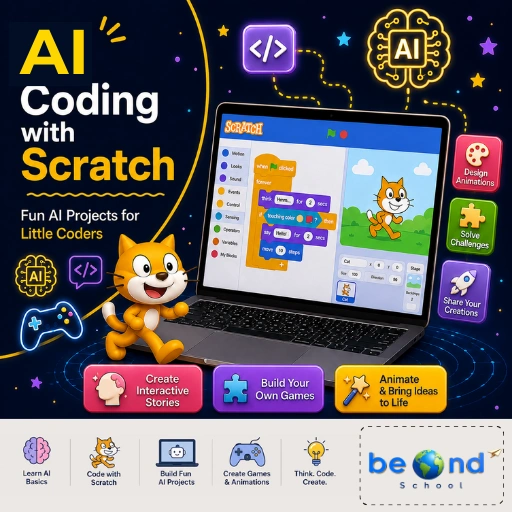
AI & Scratch Fun Camp: Imagine, Code & Create

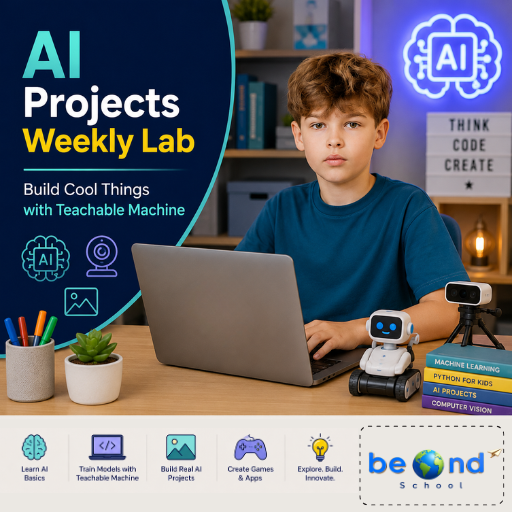
AI & Scratch Fun Camp: Imagine, Code & Create introduces young learners to the fascinating world of artificial intelligence through playful, hands-on projects using Scratch and beginner-friendly AI tools. Children discover how computers learn, recognize images, respond to sounds, understand simple conversations, and make decisions while creating games, chatbots, and interactive experiences. Each session combines creativity, coding, and exploration, helping students develop problem-solving skills and confidence as young technology creators.Class 1: What Is AI? Humans vs ComputersDiscover what artificial intelligence is by comparing how humans think and how computers follow instructions to create a responsive Scratch character.Class 2: Rules vs Smart BehaviourBuild a Smart Pet that reacts to different actions and explore how computers use rules to appear intelligent.Class 3: Can Computers Listen?Create a clap-controlled or voice-reactive game and learn how computers can use sound as data.Class 4: Teaching a Computer with PicturesTrain your first AI model to recognize animals or objects using pictures and explore how machines learn from examples.Class 5: When AI Makes MistakesTest and challenge AI models to understand why computers sometimes make incorrect predictions.Class 6: Body as an Input: Pose AIUse body movements to control a Scratch game by training an AI to recognize different poses.Class 7: Talking with a ComputerBuild a friendly chatbot that can greet users and respond to simple questions and phrases.Class 8: How AI Makes DecisionsDesign a Smart Traffic Light or decision-based game that demonstrates how AI uses information to make choices.

AI Explorers Club: A New AI Adventure Every Week!
Live Class AI

AI Explorers Club: A New AI Adventure Every Week!

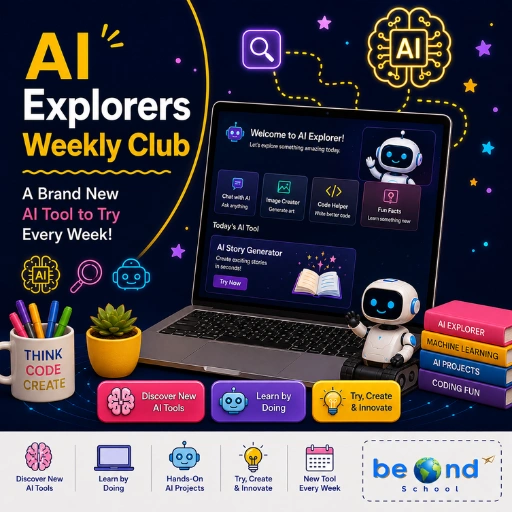
Curious about the AI tools shaping our future? In this exciting summer camp, students explore a brand-new AI tool every week through creative experiments and mini projects. From generating artwork and music to building chatbots and videos, learners gain a practical understanding of how AI works while developing creativity, critical thinking, digital citizenship, and confidence in using emerging technologies.Class 1: Text-to-Image AI SystemsStudents generate images in different artistic styles and explore how prompts influence AI-created artwork.Class 2: AI Story Writing ToolsStudents use AI writing tools to create stories and compare AI-generated writing with human creativity.Class 3: AI Music & Sound GenerationStudents compose original background music and sound effects using AI-powered music generators.Class 4: AI Chatbots & Character CreationStudents design and interact with custom AI characters that can respond and converse in unique ways.Class 5: AI Video Generation ToolsStudents transform a short script into an AI-generated video scene and explore storytelling through video creation.Class 6: Voice AI & Speech SystemsStudents experiment with AI voice technologies by creating and comparing different speaking styles and voices.Class 7: AI Art Remix & Style TransferStudents use AI to transform an image into multiple artistic styles and discover creative image manipulation techniques.Class 8: AI Capstone WeekStudents apply their learning by designing and showcasing an original project using their favorite AI tools from the camp.

Book a Free Class

Tell us a bit about your child to book a free demo class for the selected course.