Robotics
Robotics Courses
Showing 1–4 of 4
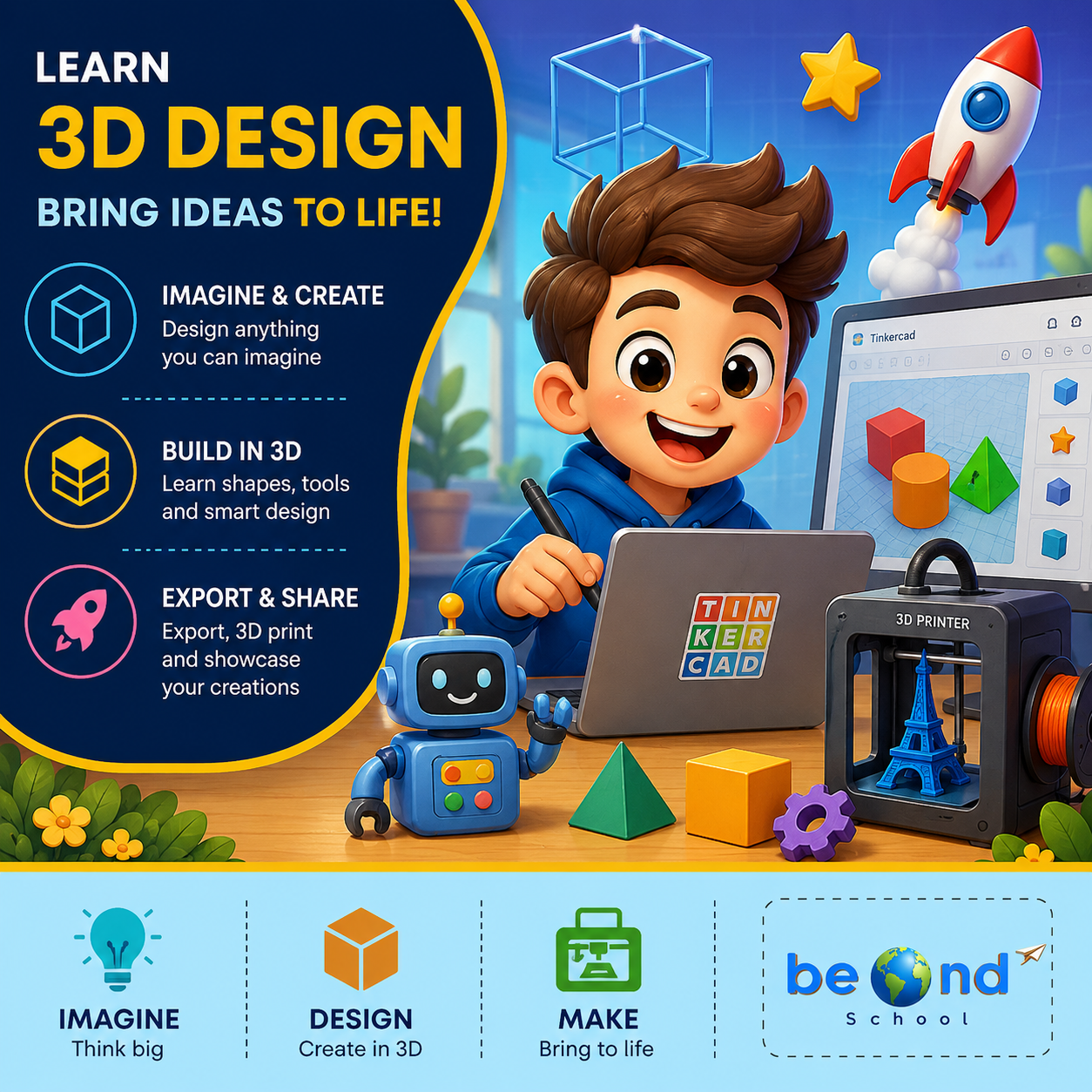
3D Design: Bring Ideas, Robots to Life
The 3D Designing course introduces students to the exciting world of 3D modelling, digital design, and creative problem-solving. Using Tinkercad's beginner-friendly design tools, students learn how simple shapes can be transformed into imaginative 3D creations. Throughout the course, they explore geometric shapes, resizing, grouping, alignment, holes, duplication, rotation, and advanced design techniques while building fun projects such as characters, objects, structures, and personalised models. By the end of the course, students will have the confidence to turn their imagination into digital 3D designs and understand the basics of preparing models for real-world applications such as 3D printing.Class 1: Welcome to the World of 3D DesignStudents explore the Tinkercad workspace and create their first model using basic 3D shapes.Class 2: Shape Builders: Move, Resize & RotateStudents learn to transform basic shapes by moving, resizing, and rotating them in 3D space.Class 3: Shape Fusion: Grouping & Combining ObjectsStudents combine simple shapes to construct more detailed and creative 3D objects.Class 4: Design with Precision: Align & DuplicateStudents use precision tools to create balanced designs with repeated and symmetrical elements.Class 5: The Power of Holes: Cut & CarveStudents discover how hole shapes can be used to carve, cut, and transform 3D objects.Class 6: Character Creator: Build a 3D CharacterStudents bring imagination to life by designing their own unique 3D character.Class 7: Cool Creations: Designing Everyday ObjectsStudents apply their design skills to create functional objects inspired by everyday life.Class 8: Architects in 3D: Build a Mini StructureStudents become young architects by designing a creative structure in a 3D environment.Class 9: Minecraft-Inspired 3D Design ChallengeStudents create a fun game-inspired 3D model by transforming basic shapes into a detailed character or object.Class 10: Duplicate Like a Designer: Patterns & RepetitionStudents use duplication and repetition to create complex patterns quickly and efficiently.Class 11: From Digital Model to Real World: Introduction to 3D PrintingStudents discover how digital 3D models can be transformed into real physical creations through 3D printing.Class 12: Ultimate 3D Design Challenge: Imagine, Design & ShowcaseStudents design and showcase an original 3D creation that brings together everything learned throughout the course.
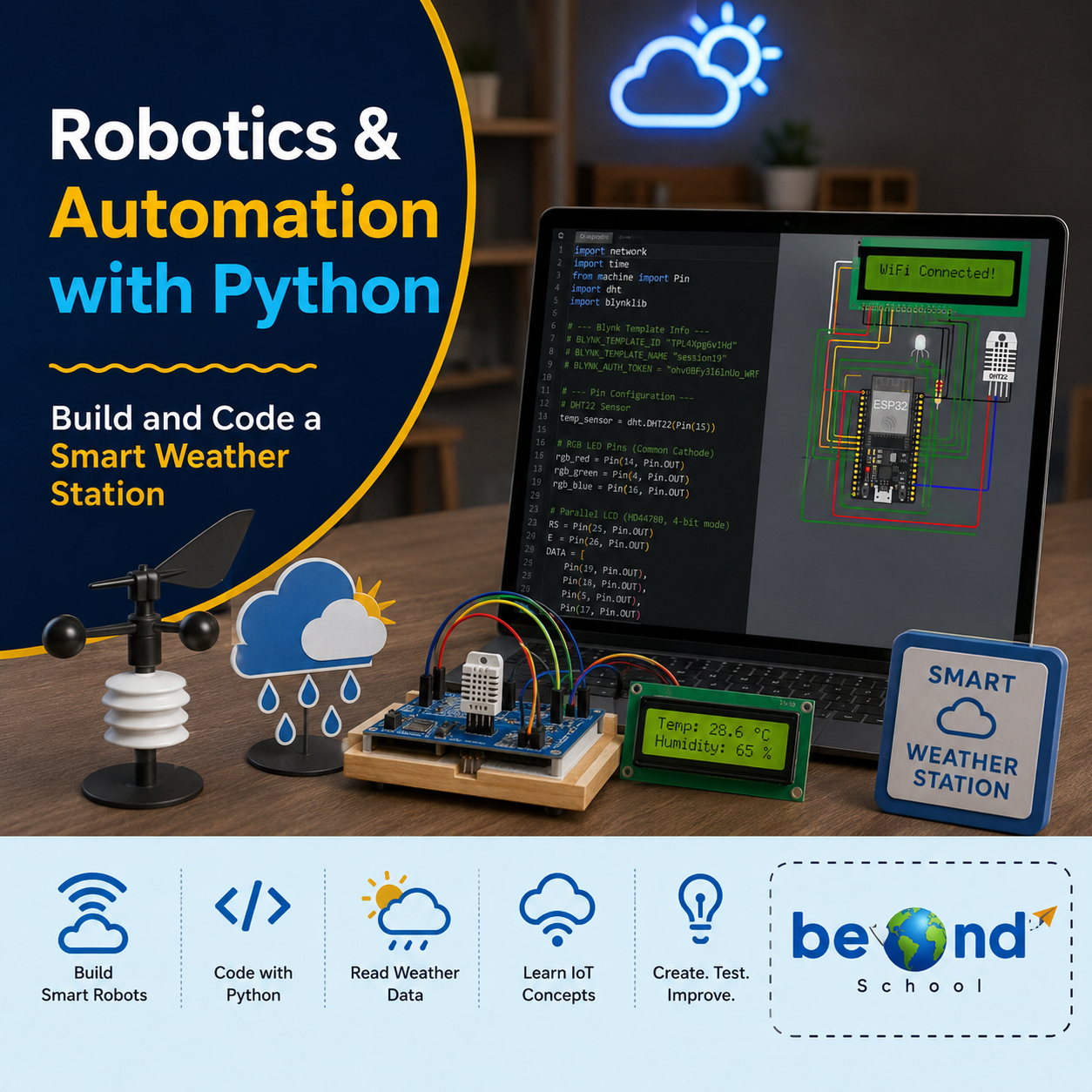
Robotics & Automation With Python
Robotics & Automation with Python introduces Students how Python can bring electronic projects to life using the Wokwi ESP32 simulator. They start with simple LED and circuit controls and gradually build smart projects using sensors, motors, displays, and automated decision-making. Through projects such as a Smart Traffic Light, Hand Sanitizer Dispenser, Digital Weather Station, Security Alarm, and Smart Parking System, students learn to turn their ideas into working prototypes while developing coding, problem-solving, logical thinking, and engineering skills.Class 1: Smart Traffic Light Program multiple LEDs with Python to create an automated traffic-light sequence using GPIO, timing, and loops.Class 2: Light & Volume ControllerUse a potentiometer to adjust LED brightness and buzzer volume while learning how analog input controls output levels.Class 3: Smart Hand Sanitizer DispenserUse an ultrasonic sensor and servo motor to automatically dispense sanitizer when a hand is detected.Class 4: Motion-Sensing Smart RoomDetect movement with a PIR sensor and use Python logic to automatically control room lights and a smart door.Class 5: Digital Weather Station – Part 1Read temperature and humidity from a DHT22 sensor and process the sensor data using Python.Class 6: Digital Weather Station – Part 2Display temperature and humidity readings on an LCD using Python functions, conditions, and formatted output.Class 7: Smart Security AlarmBuild a motion-triggered security system using a PIR sensor, buzzer, and LEDs.Class 8: Automatic Night LightUse an LDR to detect light levels and automatically control an LED based on brightness.Class 9: Smart Parking SystemUse an ultrasonic sensor to detect vehicles and control a servo barrier with LED indicators.Class 10: Smart Home Control CenterCombine sensors, outputs, functions, and Python logic to create an integrated home automation system.Class 11: Gas Leak DetectorMonitor gas sensor readings and trigger LED and buzzer alerts when the gas level exceeds a set threshold.Class 12: Smart Robotics ChallengeCombine sensors, actuators, conditions, loops, and functions to design and simulate an original smart automation system in Wokwi.
Arduino Robotics & STEM Lab
Arduino Robotics & STEM Lab: Build and Code! introduces students to the exciting world of electronics, coding, and robotics through hands-on engineering projects. Starting with simple circuits and progressing to sensors, displays, and intelligent systems, learners write real Arduino C/C++ code and discover how software can control physical devices. Along the way, they develop computational thinking, problem-solving, and engineering design skills while gaining the confidence to build and program their own robotic creations.Class 1: ARDUINO & ELECTRONICS BASICS Explore the Arduino board, build your first circuit, and write your first program to control an LED.Class 2: LED CONTROL LAB Learn how code controls hardware by creating blinking patterns and timing-based light effects.Class 3: RESCUE BEACON PROJECT Program an LED to transmit SOS signals using loops and timing functions inspired by Morse code.Class 4: RGB COLOR MIXING Combine coding, electronics, and math to create color-changing lights controlled by an adjustable knob. Class 5: ANALOG INPUTS & POTENTIOMETERS Discover how analog sensors work by reading live inputs and converting them into smooth digital controls. Class 6: TEMPERATURE SENSING Build a temperature-monitoring system that measures conditions and responds automatically to changing values. Class 7: EMOJI THERMOMETER DISPLAY Create an interactive thermometer that uses logic and symbols to display different temperature states. Class 8: SOUND SENSOR BASICS Use a sound sensor to detect noise levels and build a system that reacts to changes in the surrounding environment.
STEAM & Robotics Course: Code, Create & Invent with Micro:bit
Code, Create & Invent with Micro:bit Designed for 10-15 years. In this BeOnd School live class, students learn through projects, games, and guided practice with expert educators. Highlights include: Program with Micro:bit, Learn Coding Basics, Build Smart Robots, Create & Invent. Book a $1 demo class to experience BeOnd School live teaching.